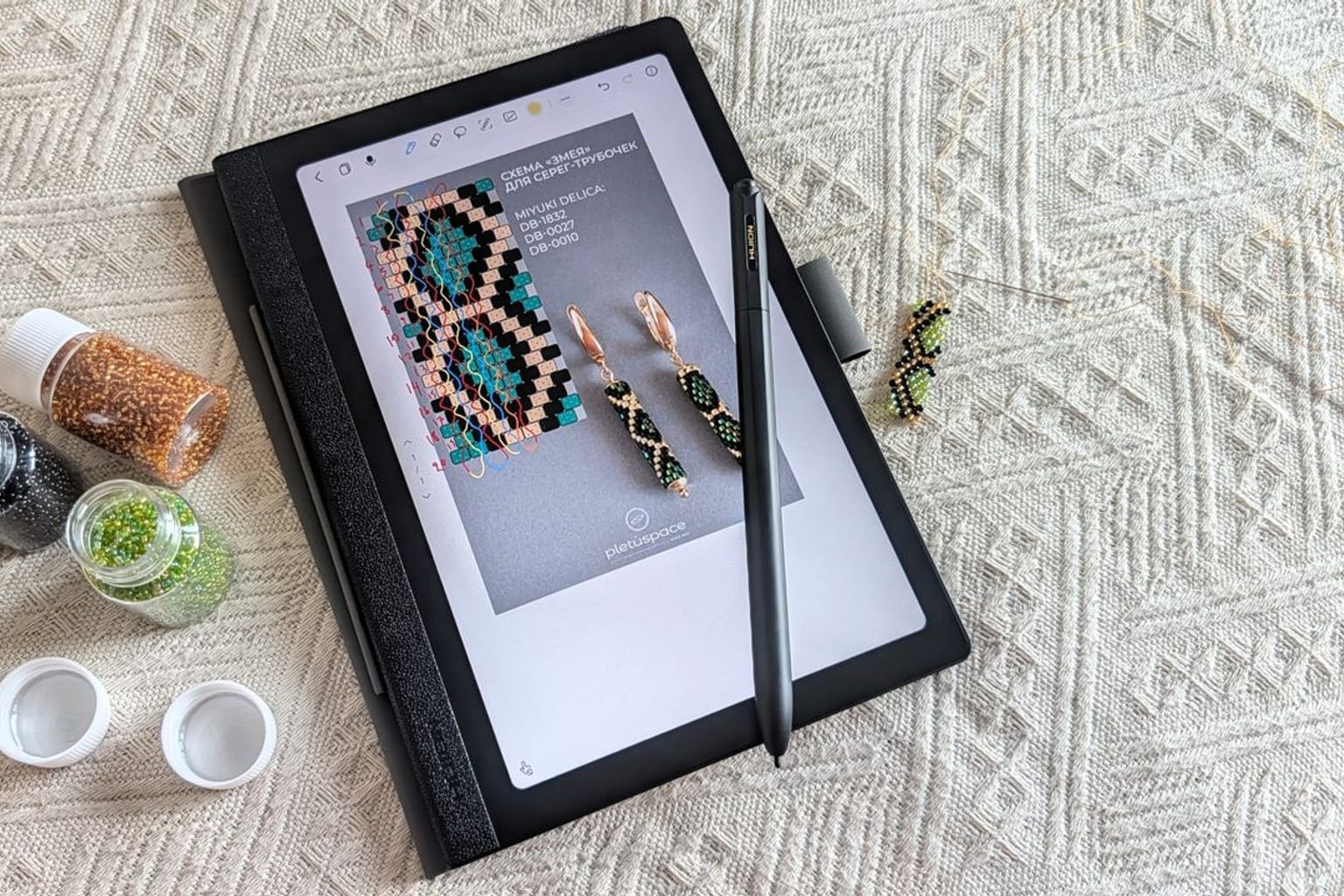
Huion recently launched the Note E, a new Android 15 tablet featuring a paper-like display and a battery-free stylus. Early hands-on testing suggests the device performs much better than its modest branding implies, catching the attention of hardware reviewers.
Why it matters
The tablet market often struggles to balance full app functionality with a natural writing feel. The Huion Note E attempts to bridge this persistent gap.
It runs a modern operating system while mimicking the physical texture of real paper.
This specific combination sparked immediate interest across mobile technology forums. Reviewers frequently dismiss niche drawing tablets as secondary devices.
Still, early impressions from Android Central highlight a surprisingly refined and cohesive user experience.
The inclusion of Android 15 right out of the box adds significant software longevity. Many niche e-ink devices launch with outdated software.
This shift in tablet design offers a practical hook for anyone tracking digital productivity trends.
The catch
Huion built its global reputation on dedicated drawing displays for professional digital artists. The Note E represents a strategic pivot toward everyday consumers and students.
It operates as a standard multimedia tablet but retains the company’s signature stylus technology.
The included stylus requires no internal batteries or Bluetooth pairing. It uses electromagnetic resonance to communicate directly with the screen.
This completely eliminates the need for constant charging, a common frustration with premium tablet accessories.
The screen itself features a specialized matte, paper-like finish. This surface treatment reduces ambient glare and provides physical resistance when writing.
It feels much closer to a traditional paper notebook than a slick, glossy glass screen.
Underneath the textured surface, the device runs a full version of Android 15. Users get unrestricted access to standard applications, cloud storage, and modern productivity tools.
The hardware is not locked into a restrictive, proprietary note-taking ecosystem.
This open approach gives the hardware a distinct advantage over dedicated e-ink notebooks. Users can check emails, browse the web, and sync notes through standard cloud services without relying on clunky companion apps.
What to verify
Early hardware reviews often rely on very brief testing windows. Long-term software stability and battery performance remain open questions.
The exact processor specifications and RAM configurations need independent confirmation. A heavy multitasking workload might push the internal hardware past its comfortable limits.
The durability of the paper-like display requires extended testing. Matte screen treatments often wear down plastic stylus nibs over time, requiring frequent replacements.
Pricing details and global availability schedules are still filtering out to regional markets. The final retail cost will ultimately determine if the device can compete with established mid-range tablets.
Battery life for the tablet itself is another crucial metric. Powering a standard LCD or OLED panel drains energy much faster than a static e-ink display.
Source trail
The initial hands-on hardware impressions originated from Android Central. Their mobile tech team evaluated the device shortly after its official announcement.
More background on the underlying operating system capabilities can be found through official Android 15 documentation. Huion has yet to publish a comprehensive technical white paper for the Note E.
The Huion Note E combines a battery-free stylus with a highly textured screen and Android 15. It successfully merges the deep focus of an e-notebook with the broad utility of a full tablet.
Early hands-on testing shows surprising promise for everyday digital productivity.
What to watch next
The useful follow-up is whether the next reports add verifiable detail: dates, locations, measurements, documents, expert review, or a primary record. The source trail starts with the original Android Central report and more Android Central coverage while watching for primary-source updates.
Until those details are public, the careful version is to treat the story as interesting evidence in motion rather than a finished conclusion.
That is also why the story is worth treating carefully. It gives the update a concrete object or event to follow, with the limits still attached.